


Private Stores
Private stores are the usual thing: a character standing there buying or selling. What the server adds is that they can be listed, so anyone finds them by searching an item name from the Community Board, without walking the towns to see what is around.
That is the whole point: a listed store is visible to the entire server from anywhere, so it sells far more than it would waiting for someone to walk past. In exchange, each sale pays a 1% fee.
Searching an item
Section titled “Searching an item”In the Community Board (alt+b) → Services → Private Stores, at the bottom.
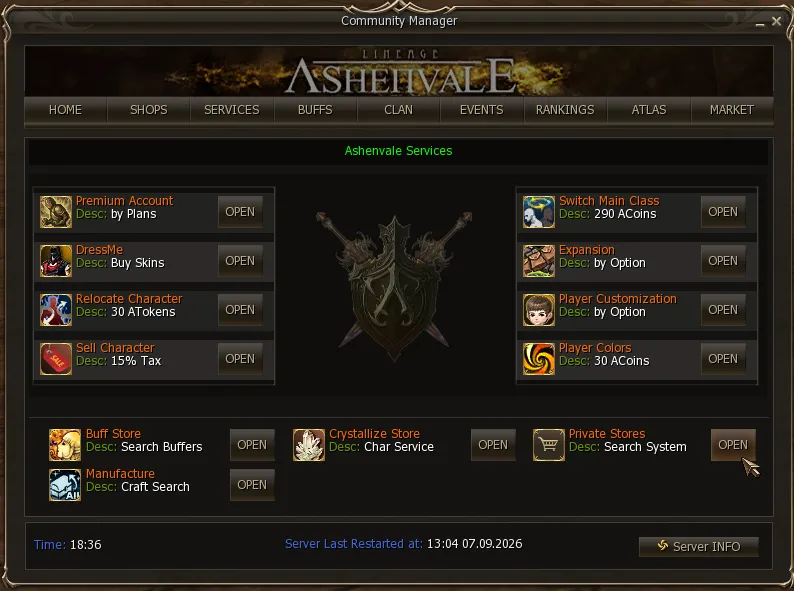
Inside there are three lists: Selling List (what is for sale), Buying List (what is wanted) and Package List (bundles). Each shows the item, the quantity, the price and the seller. The lists sort by clicking the header of any column, ascending or descending — by price, for instance, to find the cheapest on the server — and filter with the search box and the categories on the left: Weapons, Armors, Jewels, Spellbooks, Enchants, Recipes, Mats and Misc.
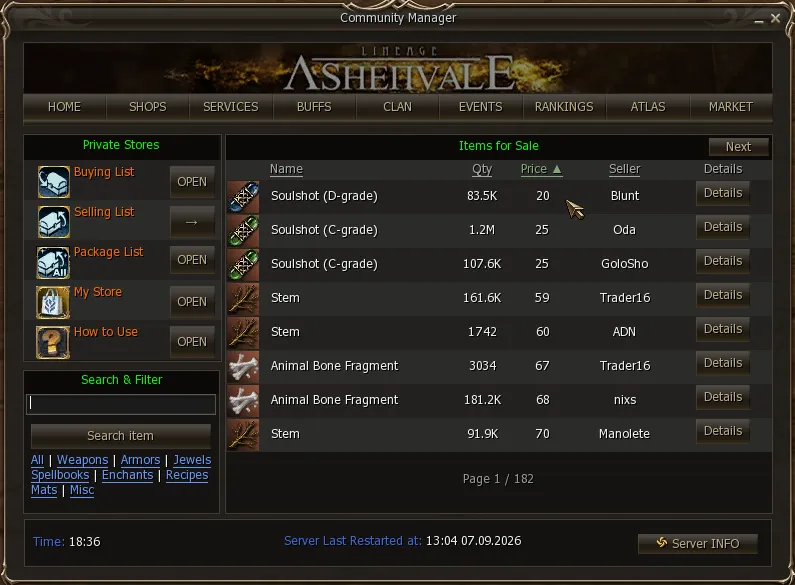
Details opens the item’s card: the seller, whether they buy or sell, the quantity, the unit price, the total and which town the store is in.
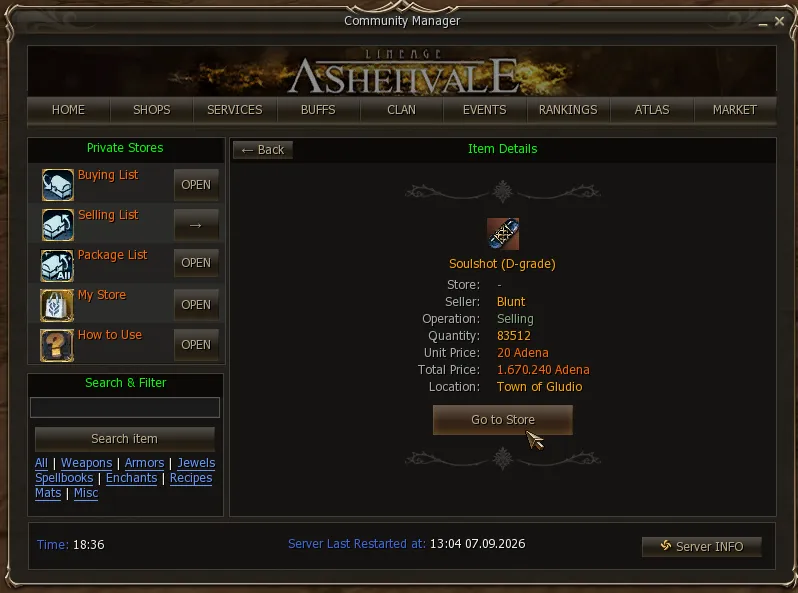
The Go to Store button
Section titled “The Go to Store button”It teleports you to the store’s town and then walks you to it, so you do not have to pick the character out of a crowd.
Two things to keep in mind, because it is an ordinary teleport:
- It costs the same as any teleport to that town. It is not free for being part of the service.
- Your character must not be restricted from teleporting. If you cannot use a GK at that moment, this button will not work either.
Your own store
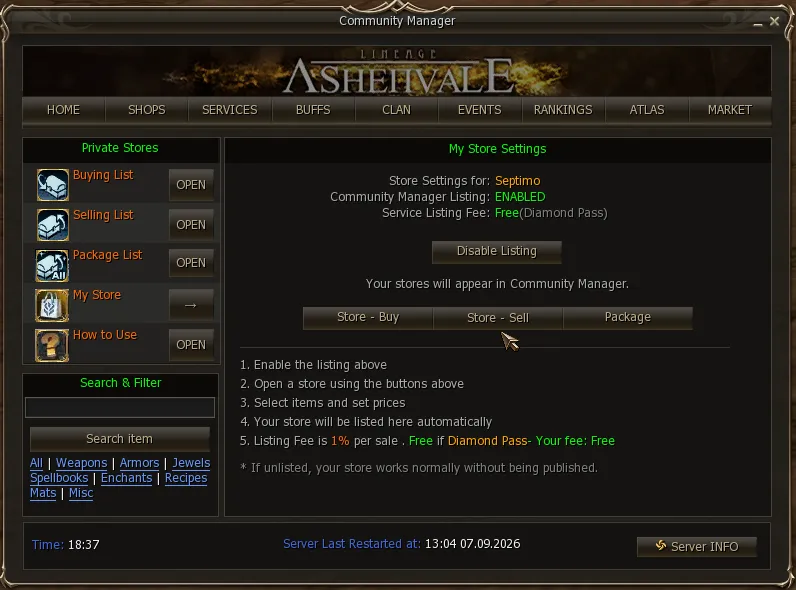
Section titled “Your own store”My Store holds the settings, and the store is opened from there: Store - Buy, Store - Sell or Package. You pick the items, set the prices, and the store is listed on its own.
Listed or unlisted
Section titled “Listed or unlisted”The same panel holds the switch. Community Manager Listing can stay ENABLED or be turned off with Disable Listing, and the difference is this:
| Listed | Unlisted | |
|---|---|---|
| Fee per sale | 1% | none |
| Shows in the finder | yes | no |
| How people find you | from anywhere on the server | only by walking past, like retail |
Turning the listing off breaks nothing: the store keeps working normally, it simply stops being published. It is the choice between saving the fee or being seen by the whole server.
Diamond Pass
Section titled “Diamond Pass”Accounts with a Diamond Pass —the pass granted by Diamond Premium— pay no fee: they sell with the store listed and the fee comes out at zero. The panel shows it as Service Listing Fee: Free (Diamond Pass).
Leaving it offline
Section titled “Leaving it offline”Once the store is set up, you leave it offline from the panel button or by typing .offline in chat, and it keeps selling even with the game closed. The store stands, listed and trading the same; the only one who leaves is you.
What that buys you:
- It frees the client so you can log in with another account and play, while that store keeps selling on its own.
- It does not take up a connection slot, so having a store running does not cost you one of your seats.
Hiding other players’ stores
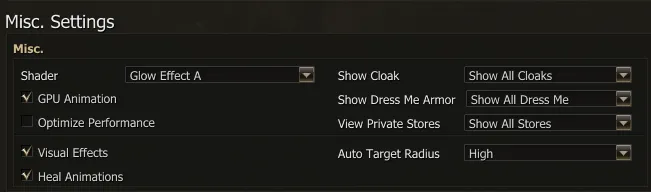
Section titled “Hiding other players’ stores”In a crowded town, stores are what loads the client the most. In Menu → Options → Video → View Private Stores you choose how to see them:
| Option | What you see |
|---|---|
| Show All Stores | As always: character, box and sign with the title. |
| Hide Store Signs Only | The character, without the box or the title sign. Improves loading and graphics performance. |
| Do Not Show Stores | They are not loaded: characters with a store do not appear. |
With any of the three modes, listed stores can still be found from this Community finder, so hiding them does not stop you from buying. It only affects what you see: other players still see your store.
Shortcuts
Section titled “Shortcuts”.storesopens this finder from chat..storevisibilityshows or hides your own store from the listing, without opening the panel..offlineleaves the store selling with the game closed.