


Drop Calculator
In game you will find it in the Community Board (alt+b), on the Atlas tab, under the name “Drop Calculator”. It is the tool that replaces the old Community search.
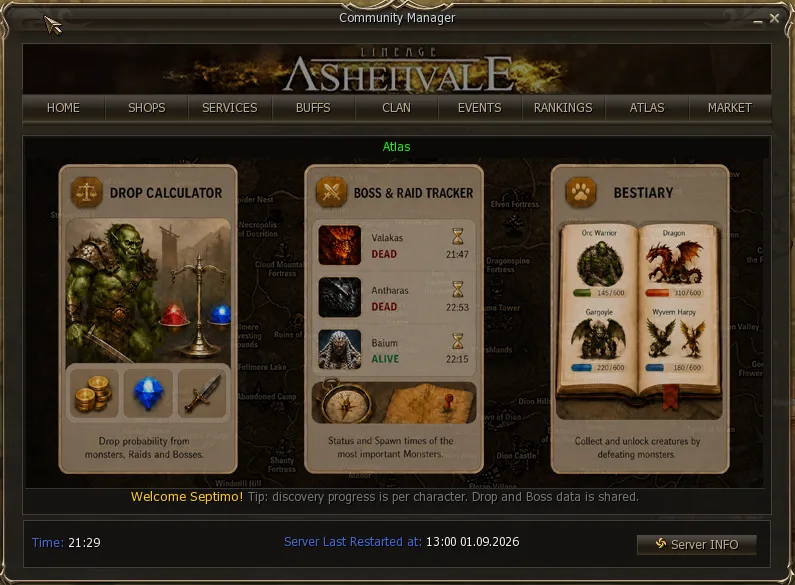
It answers the two questions everyone has: who drops this item and what does this mob drop. And it does not show you the theoretical table: it shows the chance you are actually going to get.
Searching by item
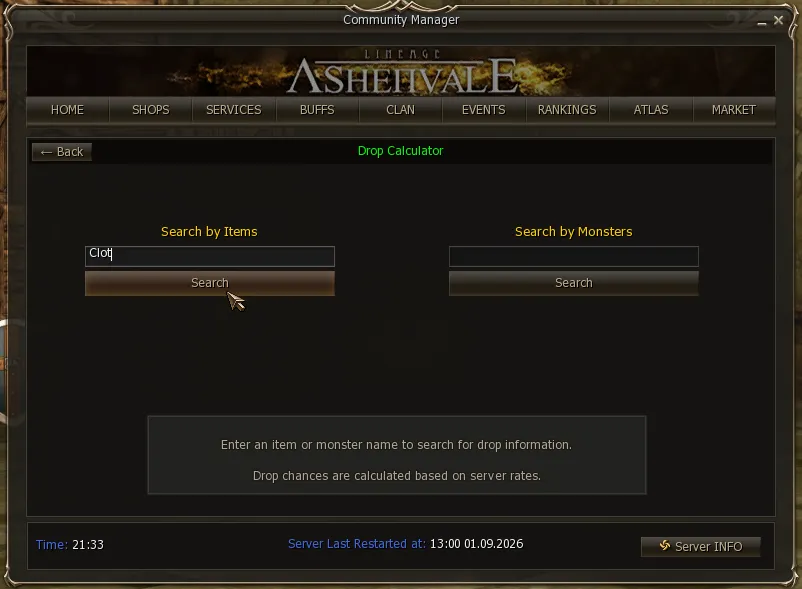
Section titled “Searching by item”You type the name into Search by Items. The search matches partial names, so a fragment is enough.
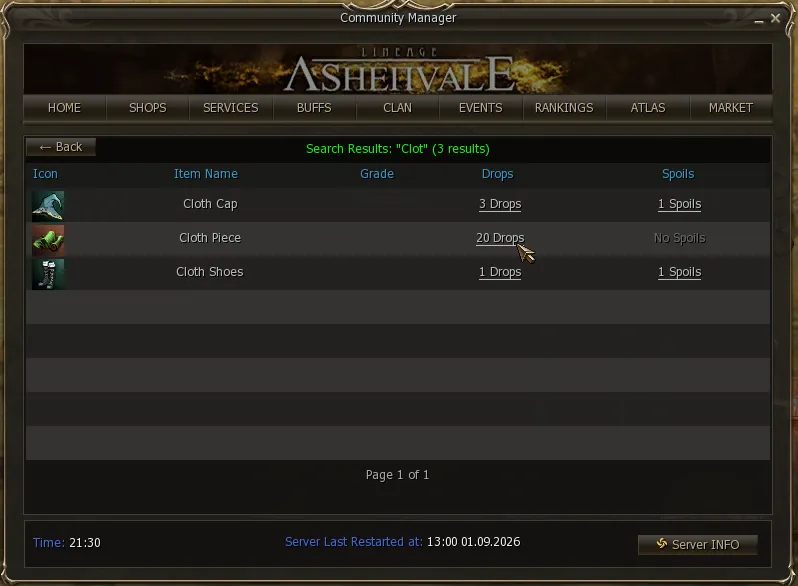
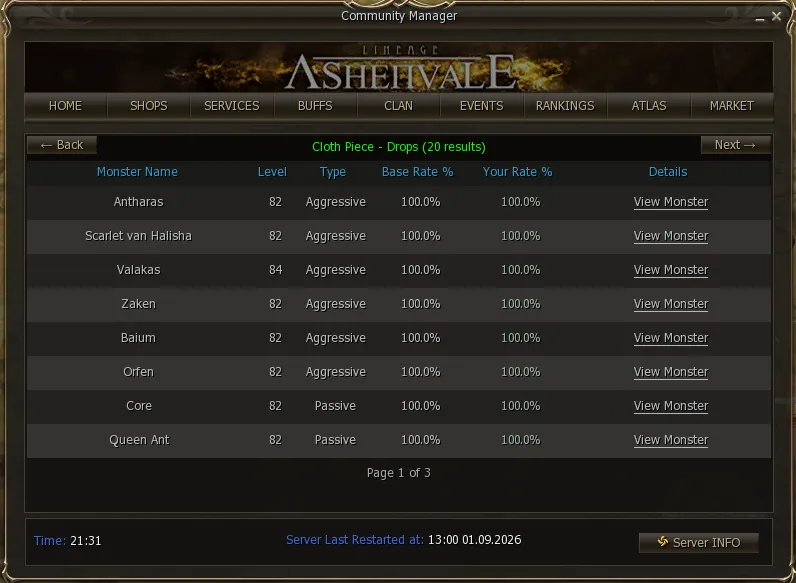
Clicking the drop count opens the list of mobs that drop it, with their level, whether they are aggressive or passive, and both percentages. From there, View Monster takes you to the mob’s full sheet with its entire drop.
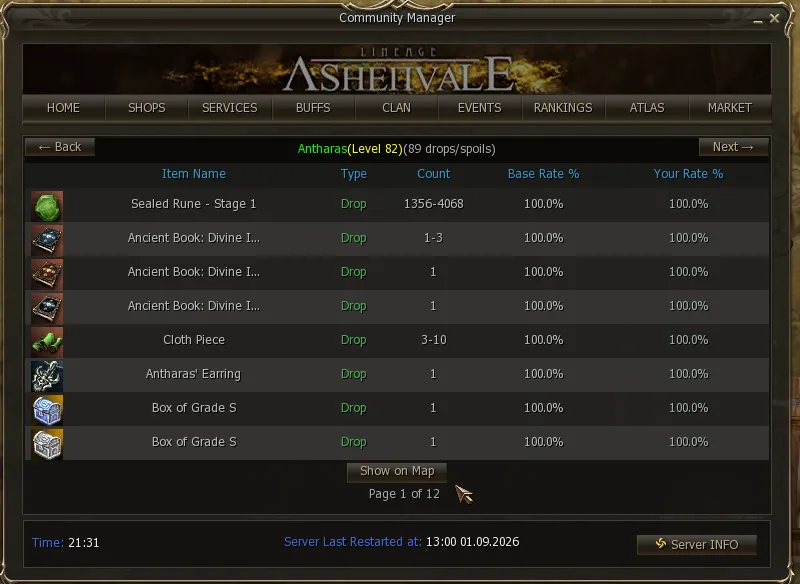
Searching by mob
Section titled “Searching by mob”Same thing, but from Search by Monsters.
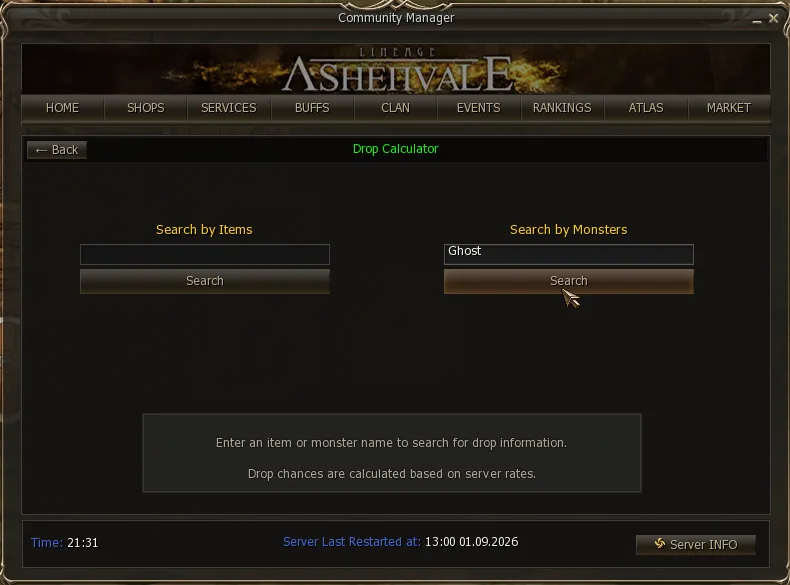
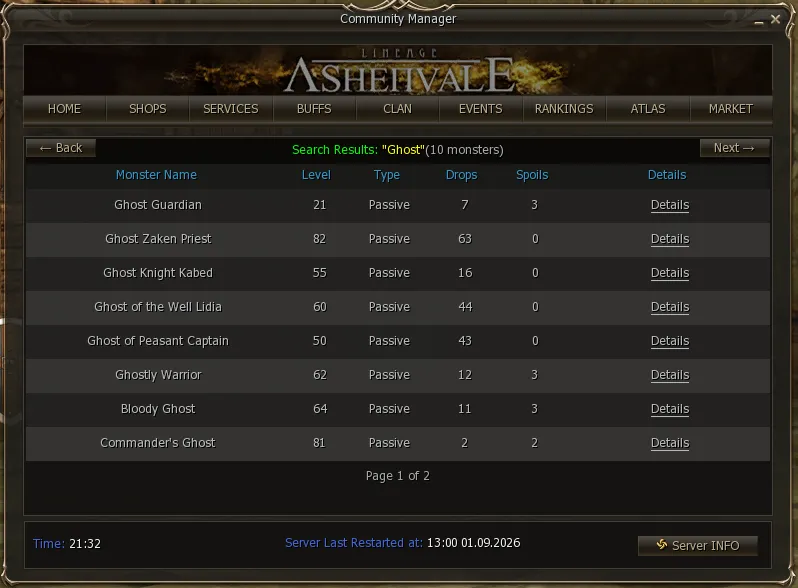
And going into one, its full list:
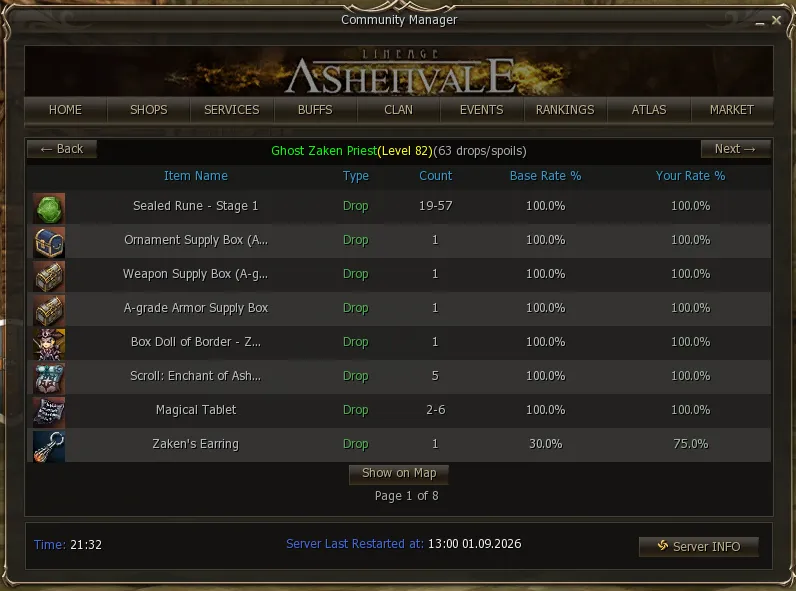
Two buttons worth knowing: Show on Map marks where the mob spawns on the map, and Next → pages through the list when the drop is long.